


CapCut

 Download
Introduce
CapCut is a mobile video editing app launched by ByteDance, focusing on lightweight editing, efficient output, and content creation-friendly design. Compared to traditional professional video editing tools, it de-emphasizes complex timeline control and in-depth color grading. Instead, it utilizes a template-based and visual effects-assisted approach, allowing even casual users without professional editing experience to quickly create distinctive video content.
App Categories
- Category: APP
- Publish Date: Oct 29, 2025
- Size: 1.1 GB
- Requirements: 6.0 and up
- Developers: Bytedance Pte. Ltd.
App Store Performance
CapCut consistently maintains a rating between 4.7 and 4.9 out of 5, with millions of user ratings, demonstrating its vast user base.

Update
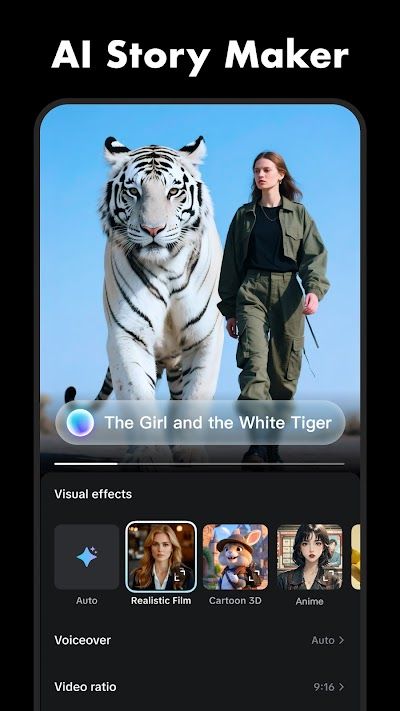
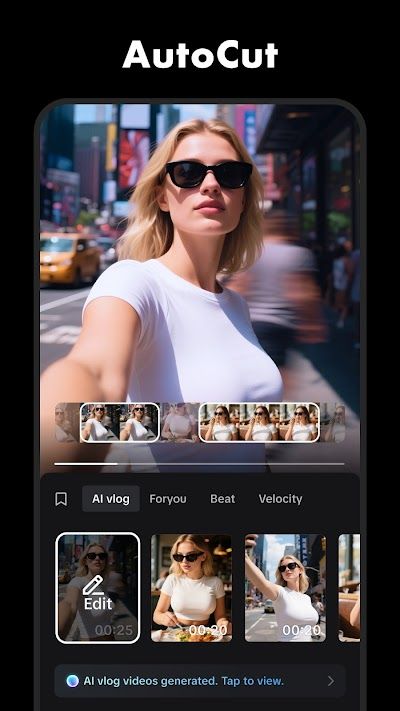
In terms of functionality, CapCut's key features lie in several areas. Firstly, its template system. CapCut offers a wide range of preset templates covering themes such as travel, food, daily life, fashion, dynamic subtitles, and time-stamping. Users simply import their footage to automatically generate the finished product, eliminating the need for manual editing and adjustment. This template mechanism is particularly effective on short video platforms. Paired with background music and subtitles, it allows for the rapid creation of highly polished short video content.
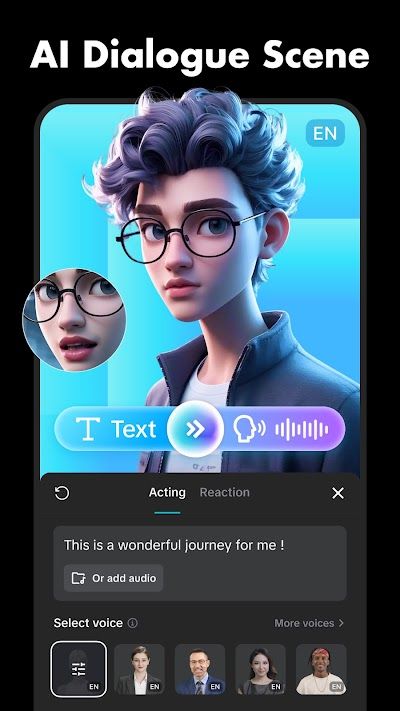
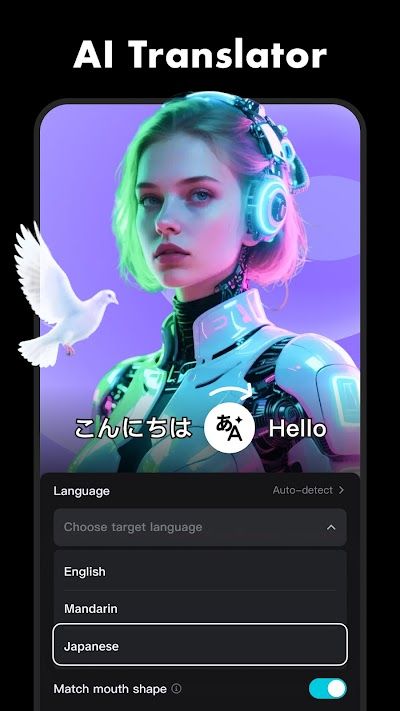
Secondly, CapCut offers AI-assisted tools. CapCut includes built-in features such as automatic subtitle recognition, smart cutouts, portrait enhancement, background replacement, noise reduction, and tempo alignment. These AI-powered features lower the technical barriers to editing. For example, the automatic subtitle generation feature recognizes audio content and automatically synchronizes it with the timeline, significantly saving creators time. The smart cutout feature allows for the simple separation of subjects from the background, eliminating the need for complex frame-by-frame editing.
Third, CapCut boasts a rich audio library. CapCut integrates with platforms like TikTok, providing licensed background music, rhythmic sound effects, and beat-alignment. Users can precisely time their videos based on the rhythm waveform, enhancing the visual quality. The app also supports audio extraction, allowing users to extract and reuse audio tracks from video files, making it easy for creators to create content inspired by popular beats and styles.
Pros And Cons
Pros
CapCut's greatest strength lies in its extremely low barrier to entry and extensive functionality. Users can achieve effects that once required complex software and specialized knowledge with simple operations, a key driver of its rapid popularity. Secondly, CapCut is supported by a content ecosystem. Templates, filters, and music resources are constantly updated based on global trends, ensuring users can always find creative materials that suit current styles. This trend-driven update mechanism eliminates the need for users to independently explore aesthetic trends, allowing them to express their videos in line with content trends.
Cons
First, it focuses on short video creation. While it also supports long video editing, its performance is limited in handling professional requirements such as complex multi-track editing, audio detail adjustment, and multi-layer compositing, making it a poor replacement for professional software like Premiere Pro or Final Cut Pro. Second, due to the widespread popularity of templates and filters, many users' works tend to converge in style, resulting in similarized videos.


